

Just added
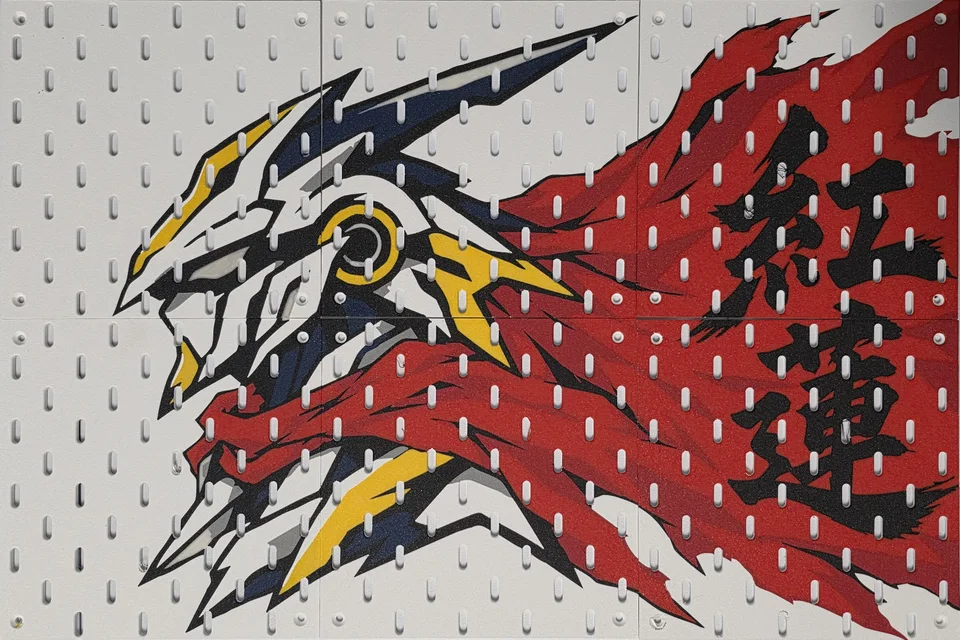
Crimson Mech Knight
A mech knight wrapped in a burning crimson cape. Six panels form a bold 600 × 400 mm wall that still holds your everyday gear.
Turn a favorite illustration, photo or logo into a colorful pegboard that takes IKEA SKÅDIS1 accessories. Arrange the panels around your space and choose colors for the filament you use. Make something for the wall behind your desk or a corner of your child’s room.
 Color Fusion full colorBlend a few filaments into full-color prints →
Latest update: 15 November · Color Fusion Studio 1.6.0, insert cavities →
NEW · COLOR FUSION
Color Fusion is a color-blending technique for full-color prints. It stacks a few filaments in ultra-thin layers, so colors blend between layers into new shades. Gradients, brushstrokes and light stay in the picture instead of being flattened into a few color blocks.
Color Fusion Studio is free, needs no login, and you can share or sell what you print.
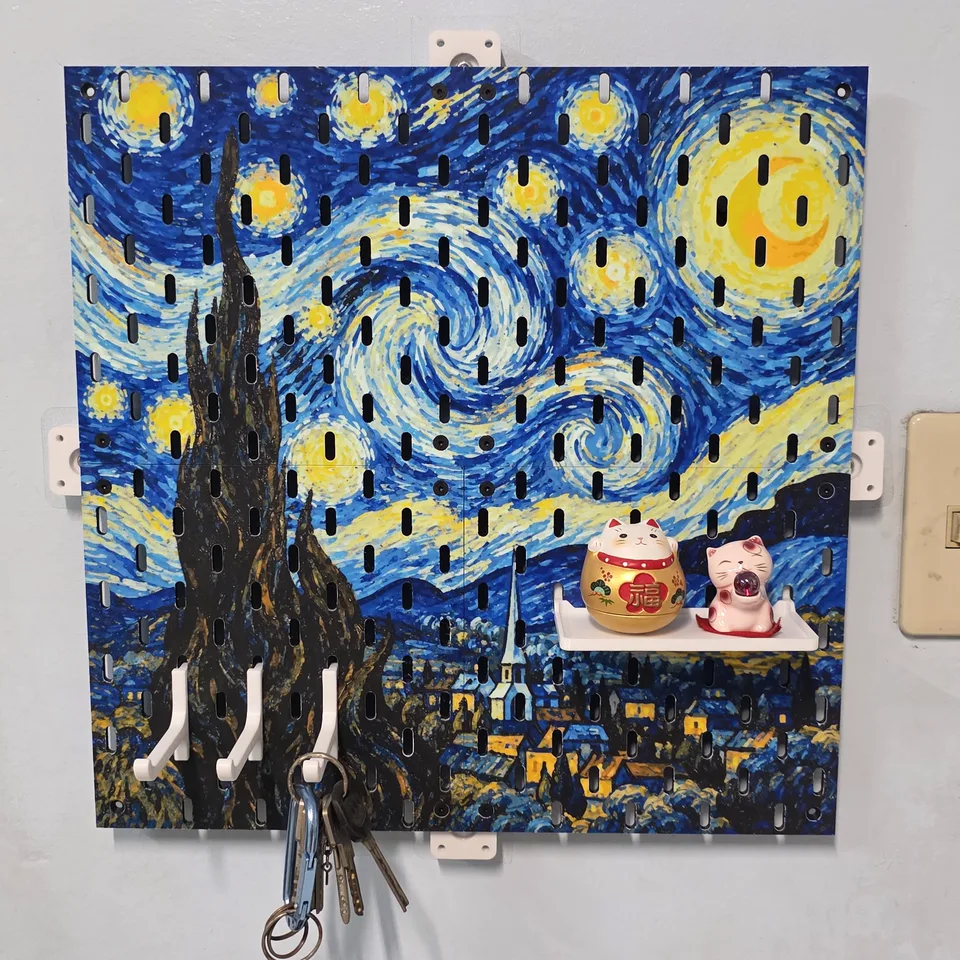
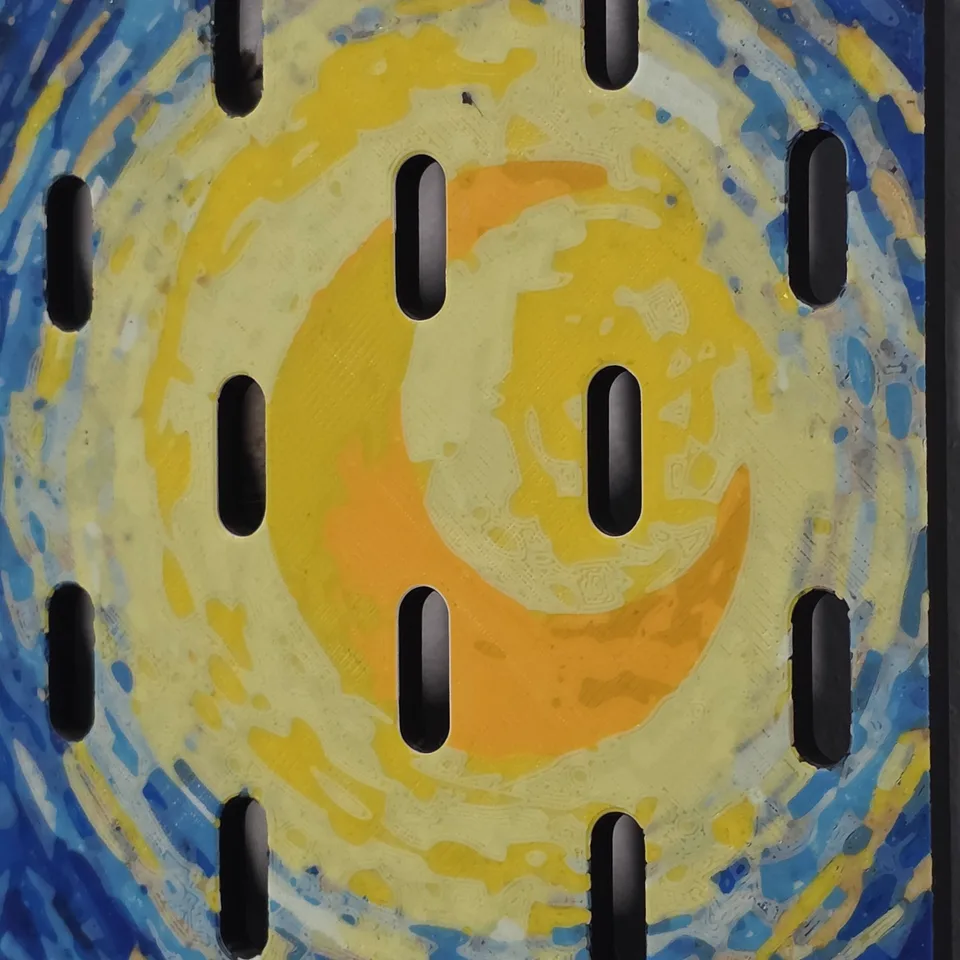

The Starry Night full-color pegboard · 7 color filaments + 1 clear · four 20 × 20 cm panels, 40 × 40 cm assembled · actual photo
Each color area prints with one spool. Best for designs with clean lines and flat color, like logos, illustrations and cartoons, with fewer filament changes and faster prints.
Start designing in PegCanvasThin layers of filament stack into gradients, made for paintings, photos and other color-rich pictures. Use it free in Color Fusion Studio today.
Try Color Fusion Studio free (opens in a new tab)Made with PegCanvas
Start with a ready-made design, or create with your own pictures. More free designs are on the way.
Just added
A mech knight wrapped in a burning crimson cape. Six panels form a bold 600 × 400 mm wall that still holds your everyday gear.
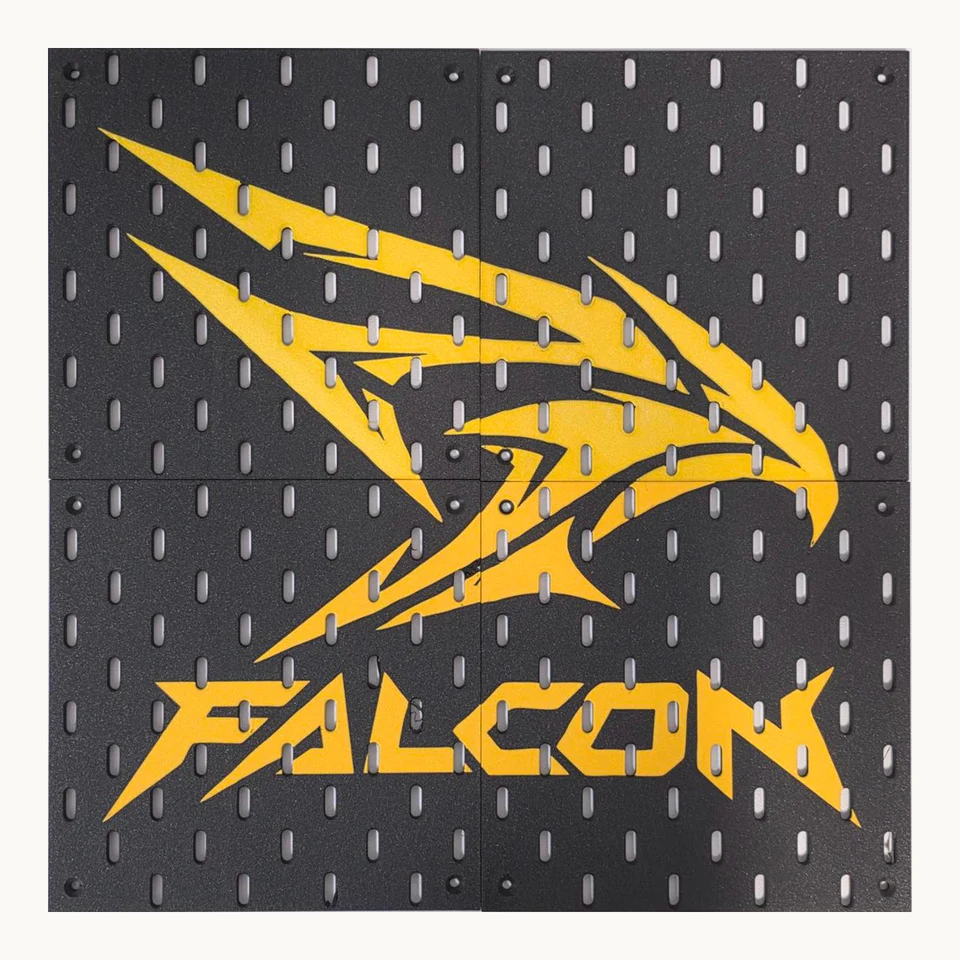

A sharp gold falcon against black. Four printed panels form a bold backdrop for your desk, with room to hang everyday essentials.
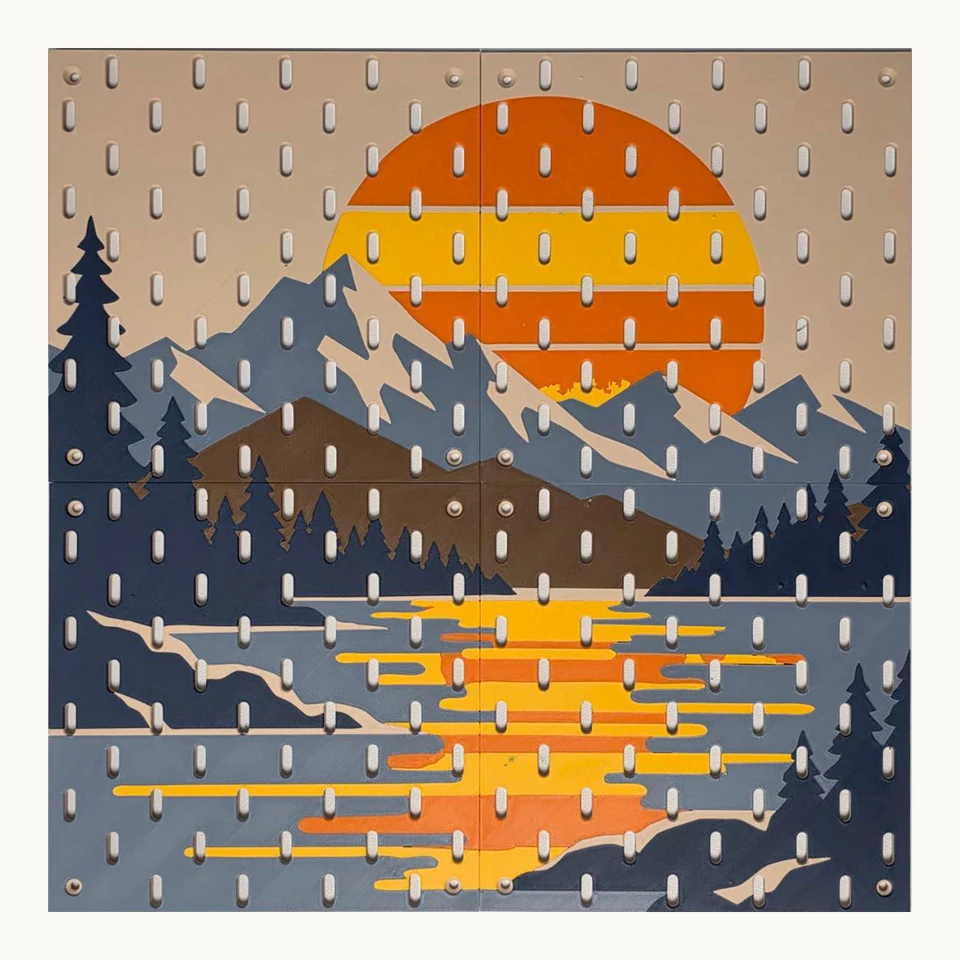

Bring a little of the outdoors to your desk. Six filament colors and four printed panels turn a mountain sunset into a place for everyday essentials.
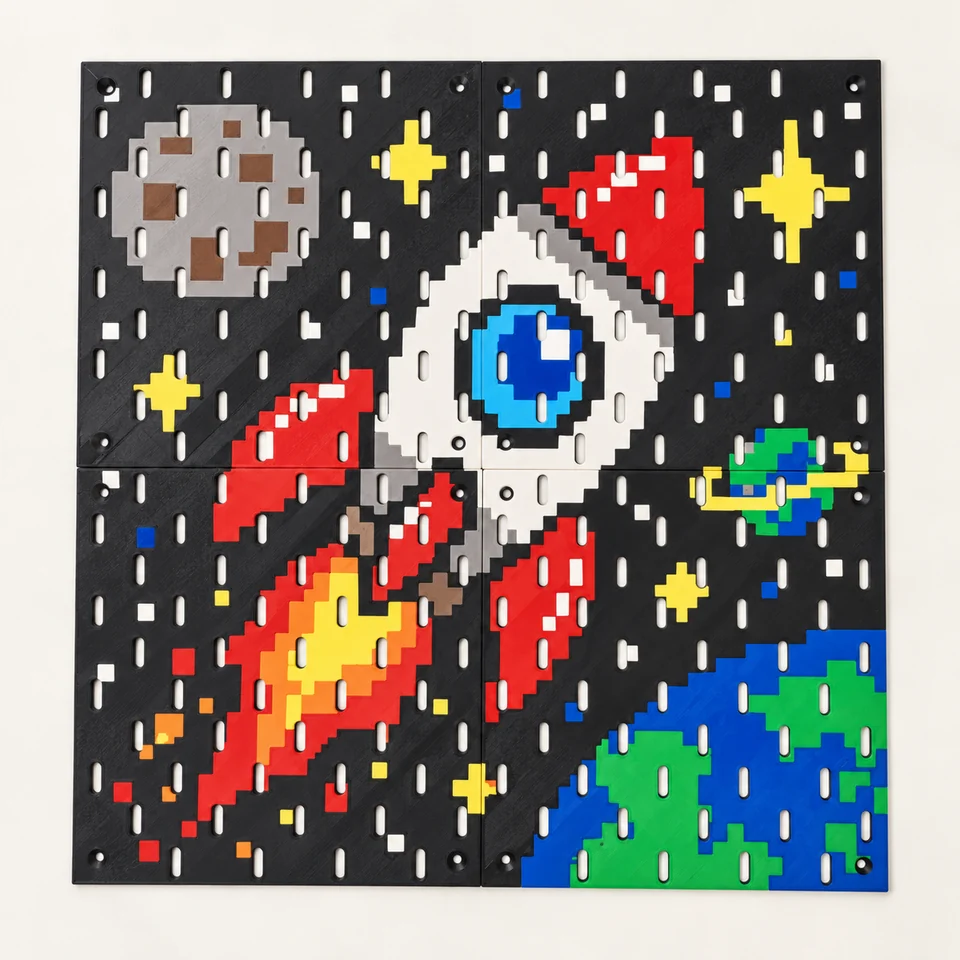

Blast off past stars and planets. Four colorful pegboard panels come together as a pixel-art space adventure, bringing a little imagination to a child’s room or your own creative corner.
View the original print photo (opens in a new tab)At home on your wall
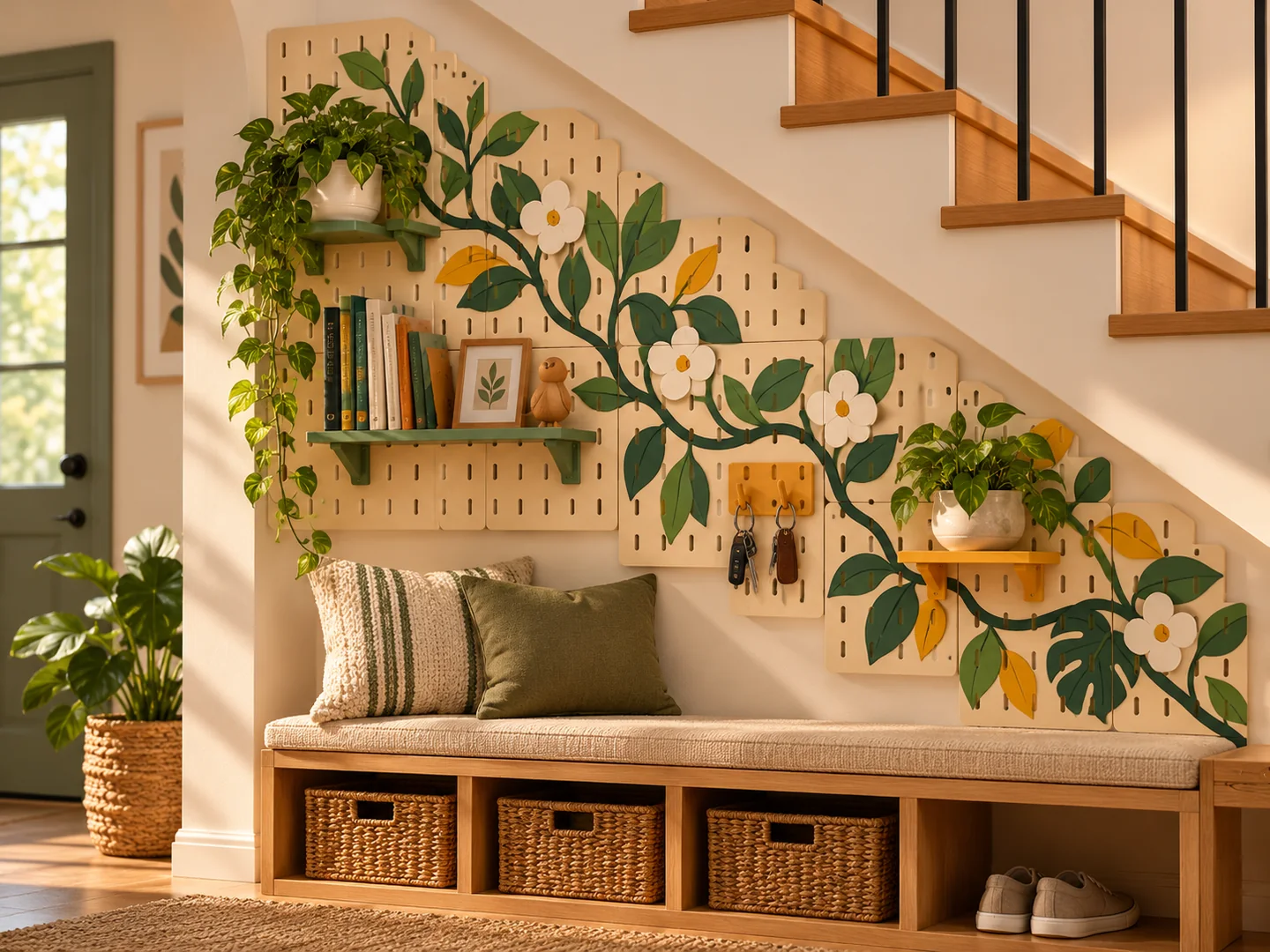 AI concept · not a photo
Entryway
A botanical design flows across several panels, with room for keys, hats and small plants.
Try it with your image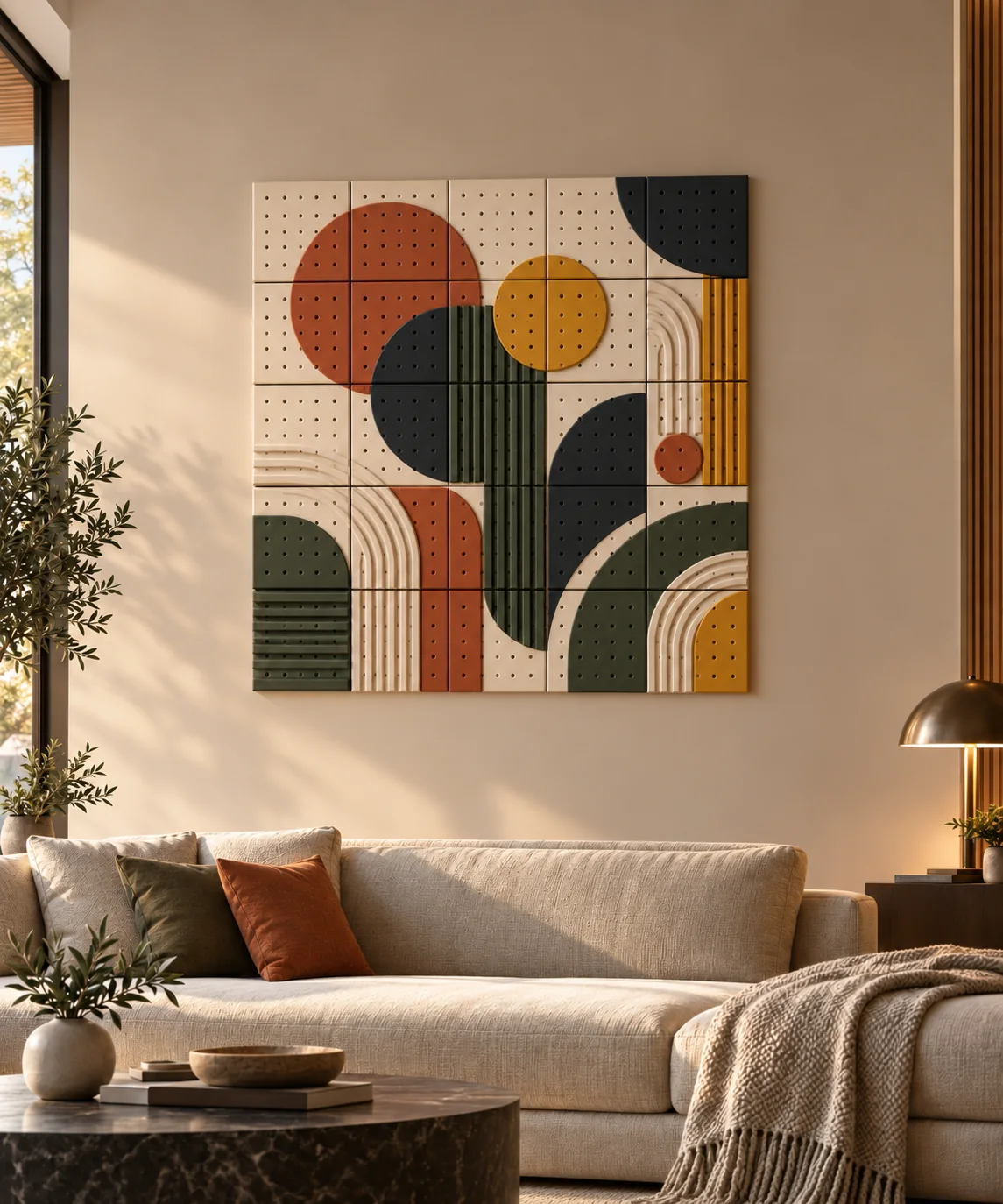 AI concept · not a photo
Living room
Warm geometric shapes become a full wall piece. It looks like art and still works as a pegboard.
Try it with your image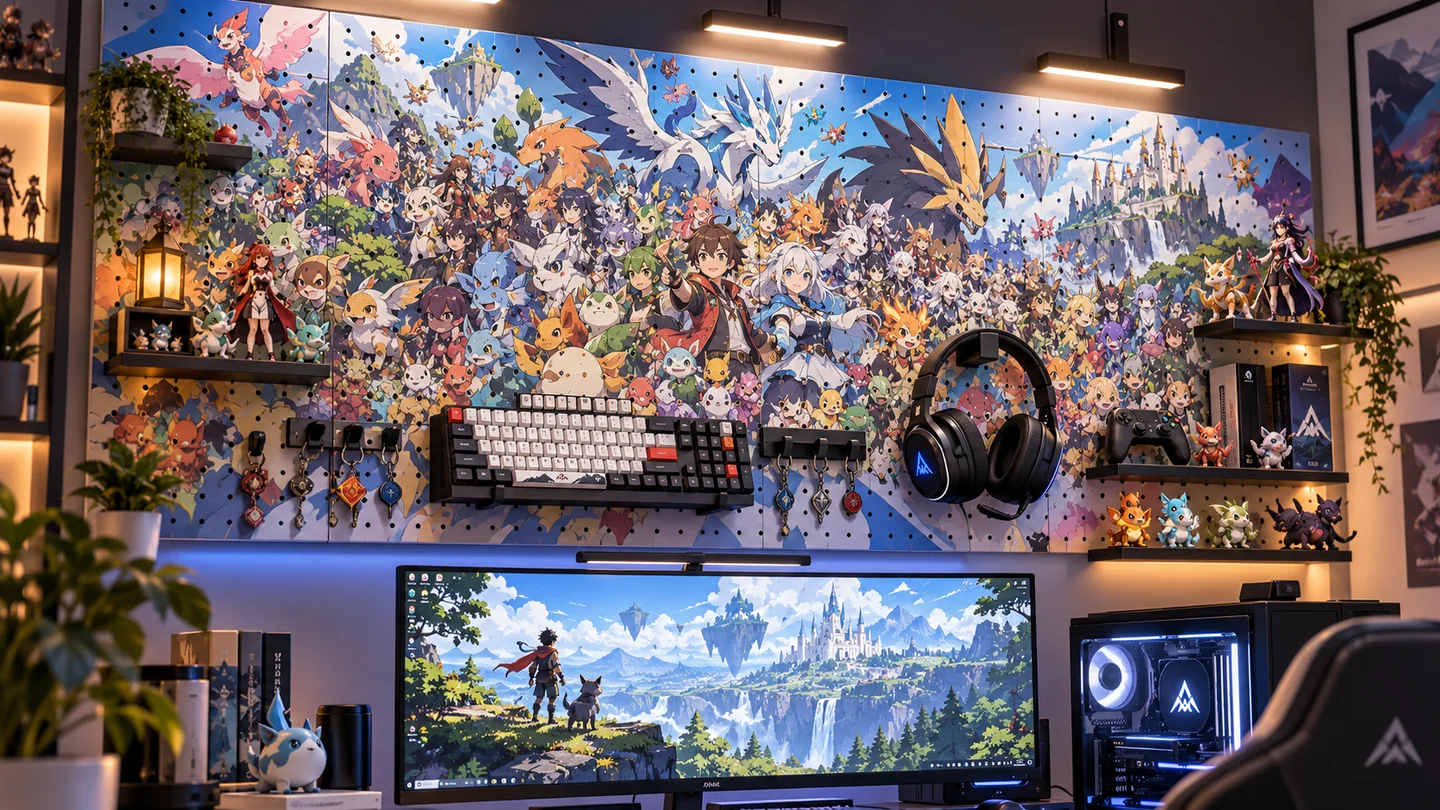 AI concept · not a photo
Gaming desk
A full fantasy mural behind your setup. Hang the headset, controller and figures right on it and keep the desk clear.
Try it with your image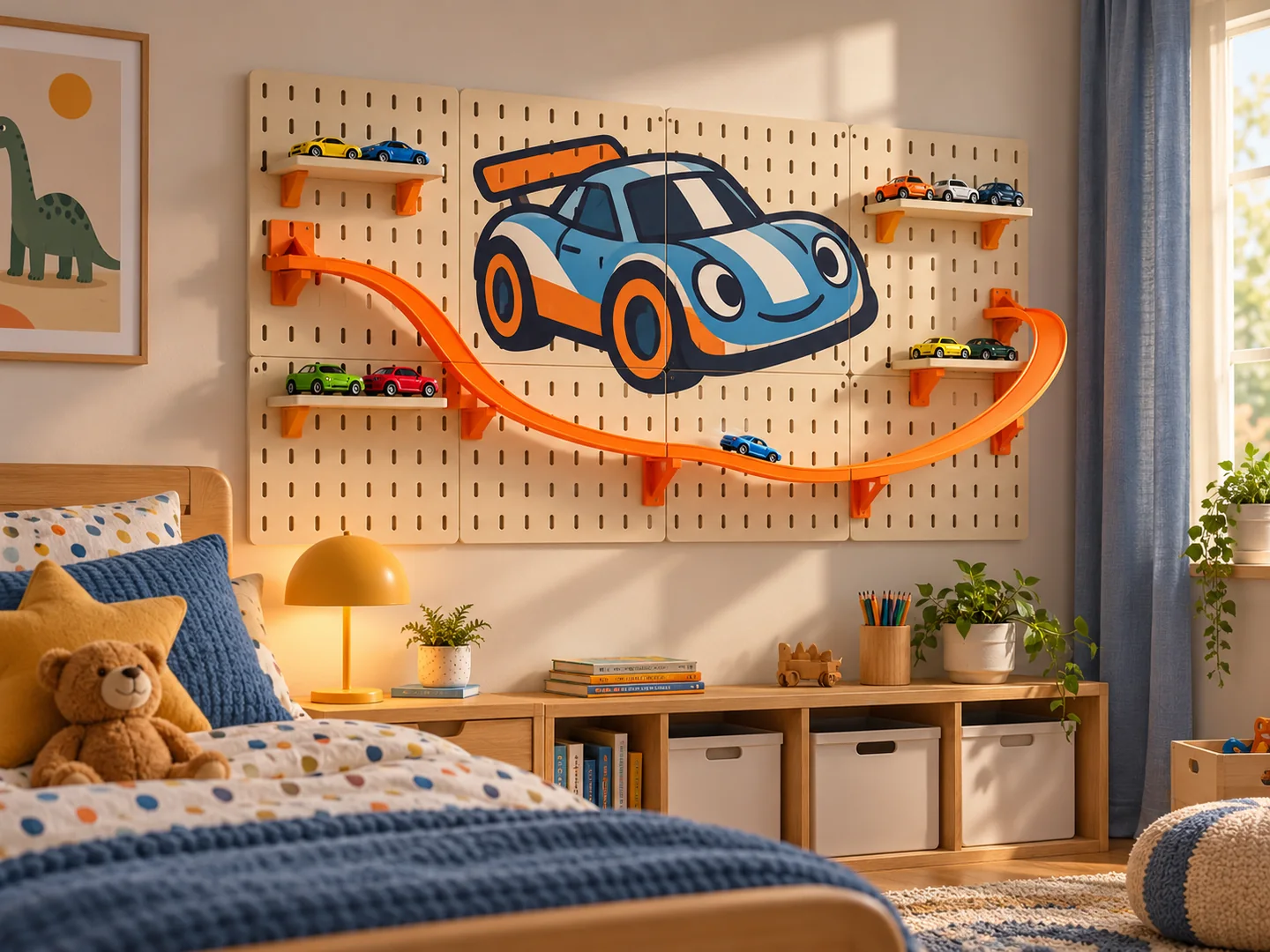 AI concept · not a photo
Kids room
A race track becomes the wall itself, with toys and tracks hanging right beside it.
Try it with your imageStart with a picture
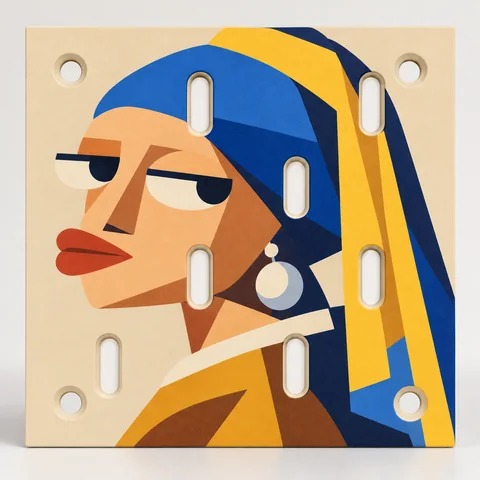
Compare color counts, then choose PLA, PETG or ABS and the brands you use. Get close color matches and adjust each one yourself.
Panel size
200 × 160 mm
Set width and height separately from 40 to 240 mm, in 20 mm steps. Mix sizes into an L-shaped or stepped layout and add more panels as you go.
Each panel gets a plate, with spacers on accessory plates. More than 36 plates are split into multiple 3MF files with the same filament numbering.
SKÅDIS1
The current staggered-slot panels have been tested with original IKEA SKÅDIS accessories. Put your own picture on a familiar storage setup.
40–240 mm
Adjust each panel’s width and height and mix large and small panels. Leave an outlet clear or follow a desk shelf instead of fitting a standard-size board.
57 brands
Browse 3,016 PLA, PETG and ABS color references. Choose a material and brands for close matches, then change any color to the spool you want to use.
A4 guides
Add a panel map with your artwork and panel numbers, plus a screw-spacing drawing. When mounting holes and spacers are enabled, the spacer models go in the print file too.
Try it in your space
Photograph the wall behind your desk or the corner you want to decorate. Mark a known length to place your design at true scale. Try a taller layout, count the panels or switch to another picture before you print.
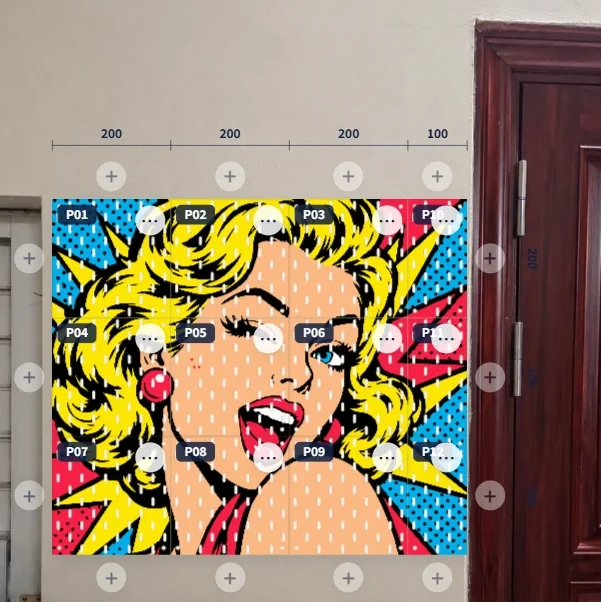
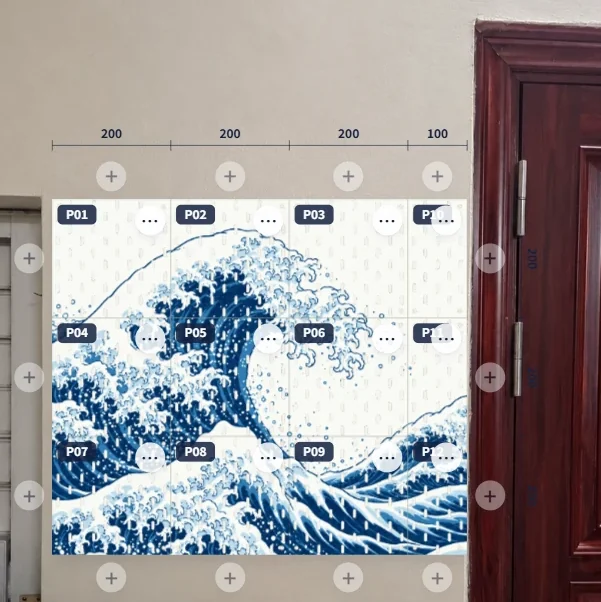
From the editor · 700 × 600 mm, 12 panels
Choose how you’ll use it
All paid plans have the same design features. One-time purchase, no subscription, and every future update to the web app is included. Refunds within 14 days of purchase, no questions asked.
Try a small wall
$0
Everything, for yourself
$19 $24
Sell the boards you print
$69 $89
For studios and digital sellers
$149 $199
Every plan may share its work for free; selling needs the matching plan. Licenses cover your use of PegCanvas output. You are responsible for rights to any images, characters or brand assets you use.
No install. Design, preview and download in your browser; images are processed locally and not uploaded; only when you press Share yourself is that one share picture made public. Looking at the sample needs no login. To add your own images, sign in with Google in one click; there is no separate account to create.
An FDM printer that supports multi-material printing, and a slicer that opens 3MF files. Match colors to the filament you already have.
The current staggered-slot panels have been tested with original IKEA SKÅDIS accessories. Other hole patterns are under consideration. Tell us which you would like through feature requests; released features will appear in the updates.
Set each panel’s width and height from 40 to 240 mm in 20 mm steps, then mix them into an L-shape, stepped layout or larger wall. Panels measuring 120, 160, 200 or 240 mm share the same hole pattern.
No. It is a one-time purchase with no subscription, and every future update to the web app is included, so you always have the latest version. If we ever shut down the online service, we will provide an offline version so you can keep using it.
ONE-TIME PURCHASE
Try it free, then buy when you are ready. Choose a plan and check out with your Google sign-in email to keep creating after payment.
Checkout by Polar; applicable taxes are shown at checkout. Contact us for price-difference upgrades and Studio’s two additional seats.
[email protected]Or try the editor now.